right-click the .iso and select “mount” to create a virtual DVDROM
create a new folder on your main system drive and copy all the files from the virtual DVDROM
start a command-prompt
navigate to the folder where you copied all the files
run the following:
.\sources\setupprep.exe /product server
This will not actually install the server version of windows but will bypass the CPU check so that you can install Win11 on an unsupported CPU. The actual version of Windows installed will depend on the version of Win10 you have: Pro, Home, or Enterprise, for example.
Thank you for this. I already did a fresh install but it’s interesting that your link is to the Surface subreddit just to rub some more salt in the wound. The processor is officially supported for upgrades only if it’s in Microsoft’s hardware. I hate them so much.


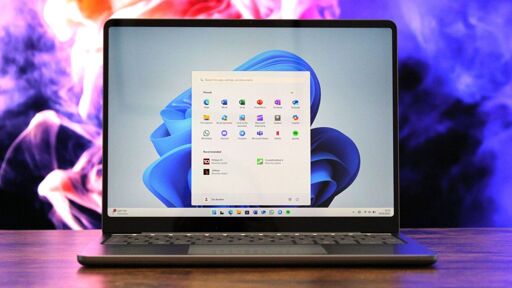
There is a way to upgrade directly. I got this from Reddit
https://www.reddit.com/r/Surface/comments/1afu0uj/is_it_safe_to_install_windows_11_on_my_microsoft/
It works fine - you just won’t get the more advanced security features available in more recent laptops.
.\sources\setupprep.exe /product server
This will not actually install the server version of windows but will bypass the CPU check so that you can install Win11 on an unsupported CPU. The actual version of Windows installed will depend on the version of Win10 you have: Pro, Home, or Enterprise, for example.
Thank you for this. I already did a fresh install but it’s interesting that your link is to the Surface subreddit just to rub some more salt in the wound. The processor is officially supported for upgrades only if it’s in Microsoft’s hardware. I hate them so much.