

The washing machine tells me how long it’s going to take when I start it, but it’s often wrong and takes longer. I’ve been descending into the basement countless times, usually from the first floor, only to notice it’s not done yet.
This is just a small thing but I want to share anyways: I just plugged it in a Zigbee plug with power meter and put an entity icon into the default dashboard. It’s conditional and only shows up when power!=0.0.
No more pointless stairs!
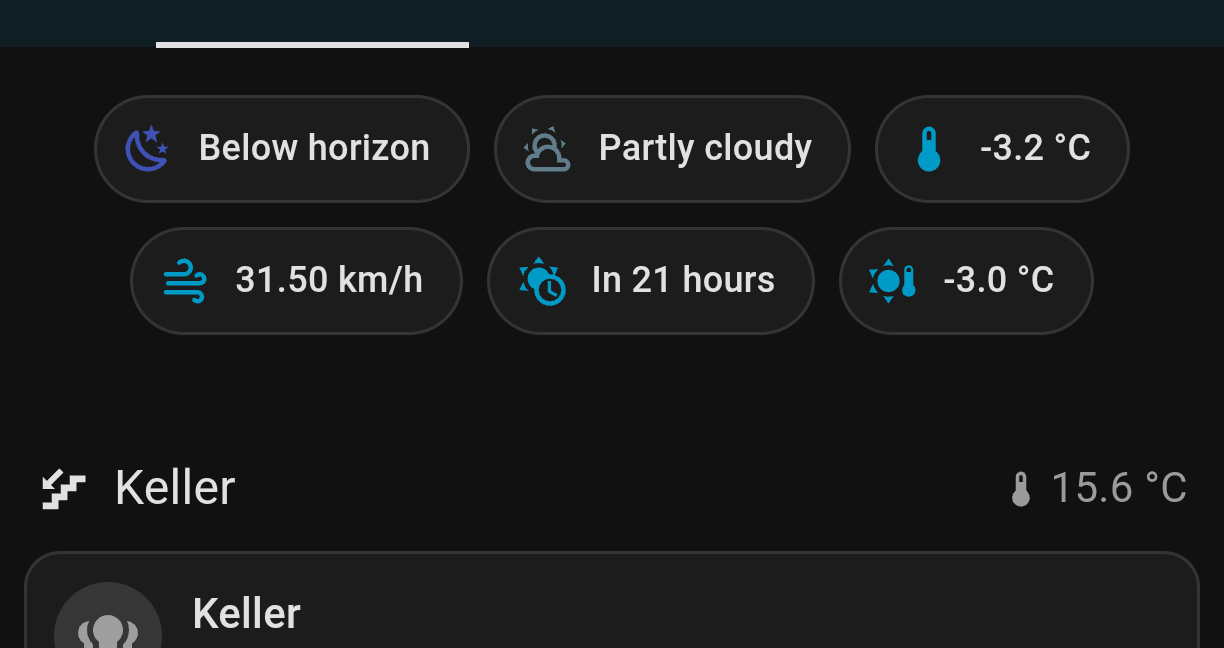
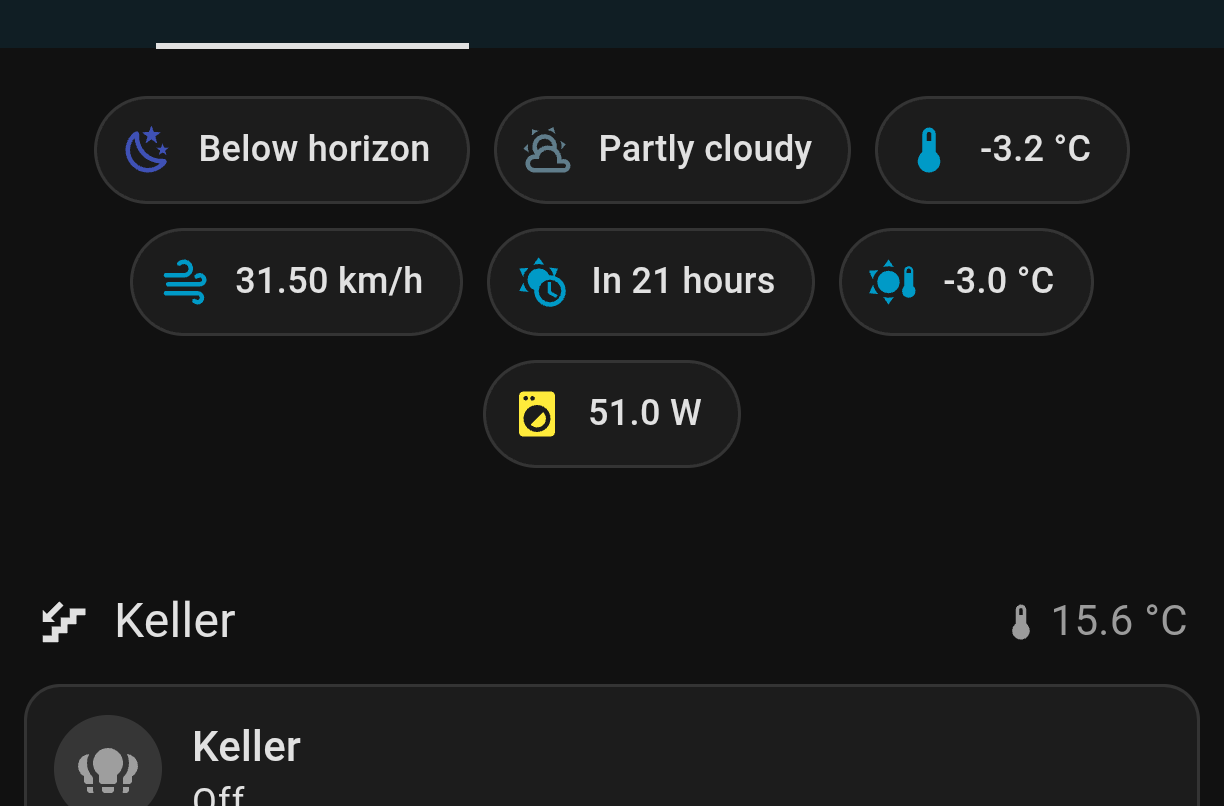
I have moved it next to the basement temperature but it’s not running right now and I don’t want to forge the screenshot so it’s showing before the change.
Probably is an accurately limit as you say.
I just looked and my LG washer pulls 7 watts when not powered on and my Onkyo receiver pulls 2 watts in standby. I save a whopping $19 dollars a year by powering off the washer completely via automation when it’s not in use. Not much, but better in my pocket than the electric company’s. (I have a sensor on the laundry room door that turns the washer plug on when the door’s opened.)
You could work around it by sending an immediate notification when the washer starts. If you don’t get one you know your washer’s messing with you again.
Edit: Just looked again and after a few minutes the washer’s down to 10MA in standby. Power button on pushes it to 7W. Not saving any electricity after all, but hopefully the washer will last a bit bit longer if it’s powered completely off between uses.